

In 2026, cyber threats are more sophisticated than ever. Data breaches happen almost daily, and credential-stuffing attacks exploit the one bad habit most people still have: reusing the same password across multiple accounts. If just one of your logins gets compromised, hackers can potentially access your email, banking, social media, and more.
That’s where a password manager comes in. It’s one of the simplest, most effective ways to lock down your digital life. Here’s why it’s essential:
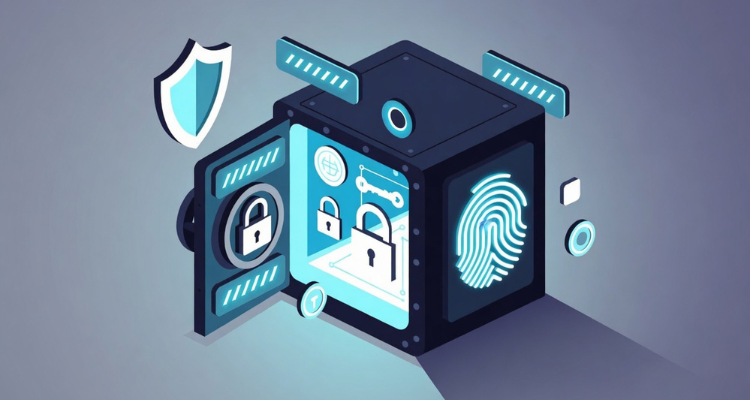
- Unique, strong passwords for every account: Password managers generate long, random passwords (think 20+ characters with symbols) that you don’t have to remember. You only need one strong master password (or biometric login like Face ID or fingerprint).
- Secure storage with military-grade encryption: Your vault uses AES-256 encryption and zero-knowledge architecture, meaning even the company can’t access your data.
- Autofill and convenience: Log in instantly across all your devices and browsers without typing or copy-pasting.
- Breach monitoring and alerts: Many scan the dark web and notify you if your email or passwords appear in leaks so you can change them immediately.
- Extra security features: Built-in support for passkeys, 2FA authenticators, secure sharing, and emergency access.
- Peace of mind: No more sticky notes, forgotten passwords, or risky reuse. It reduces your attack surface dramatically.
Bottom line: Using a password manager is like upgrading from a flimsy lock to a high-security vault. Four out of five adults still don’t use one, but those who do are far safer online.
The Top 3 Best Password Managers in 2026
After reviewing the latest expert tests from PCMag, Wirecutter, Security.org, and others, these three stand out for security, usability, features, and value. They’re all audited, use strong encryption, and support passkeys and cross-platform syncing.
1. 1Password – Best Overall Premium Password Manager
Best for: Families, Apple users, and anyone who wants a polished, feature-packed experience.
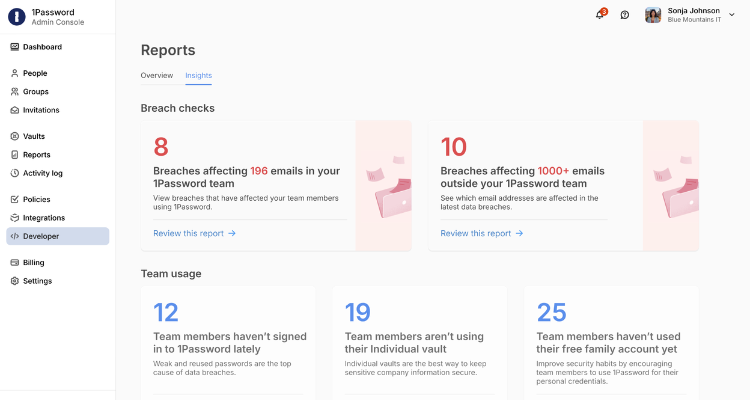
1Password consistently earns top marks for its beautiful apps, intuitive interface, and thoughtful extras. Its Watchtower dashboard flags weak, reused, or compromised passwords and guides you through fixes. Travel Mode hides sensitive items when crossing borders, and it includes 1 GB of encrypted file storage plus secure sharing (even with non-1Password users).
Key features:
- Unlimited devices and passwords
- Excellent autofill and browser extensions
- Family plans with easy admin controls
- Biometric login + emergency kit for account recovery
Pricing: Starts around $66/year for individuals; family plans ~$99/year (up to 5 people). 14-day free trial.
Pros: Extremely user-friendly, transparent audits, strong privacy focus.
Cons: No free plan (though generous trial); slightly pricier.
If you want the smoothest experience and don’t mind paying for premium polish, 1Password is the gold standard.
2. Bitwarden – Best Free (and Open-Source) Password Manager
Best for: Budget-conscious users, privacy enthusiasts, and tech-savvy people who want unlimited free use.
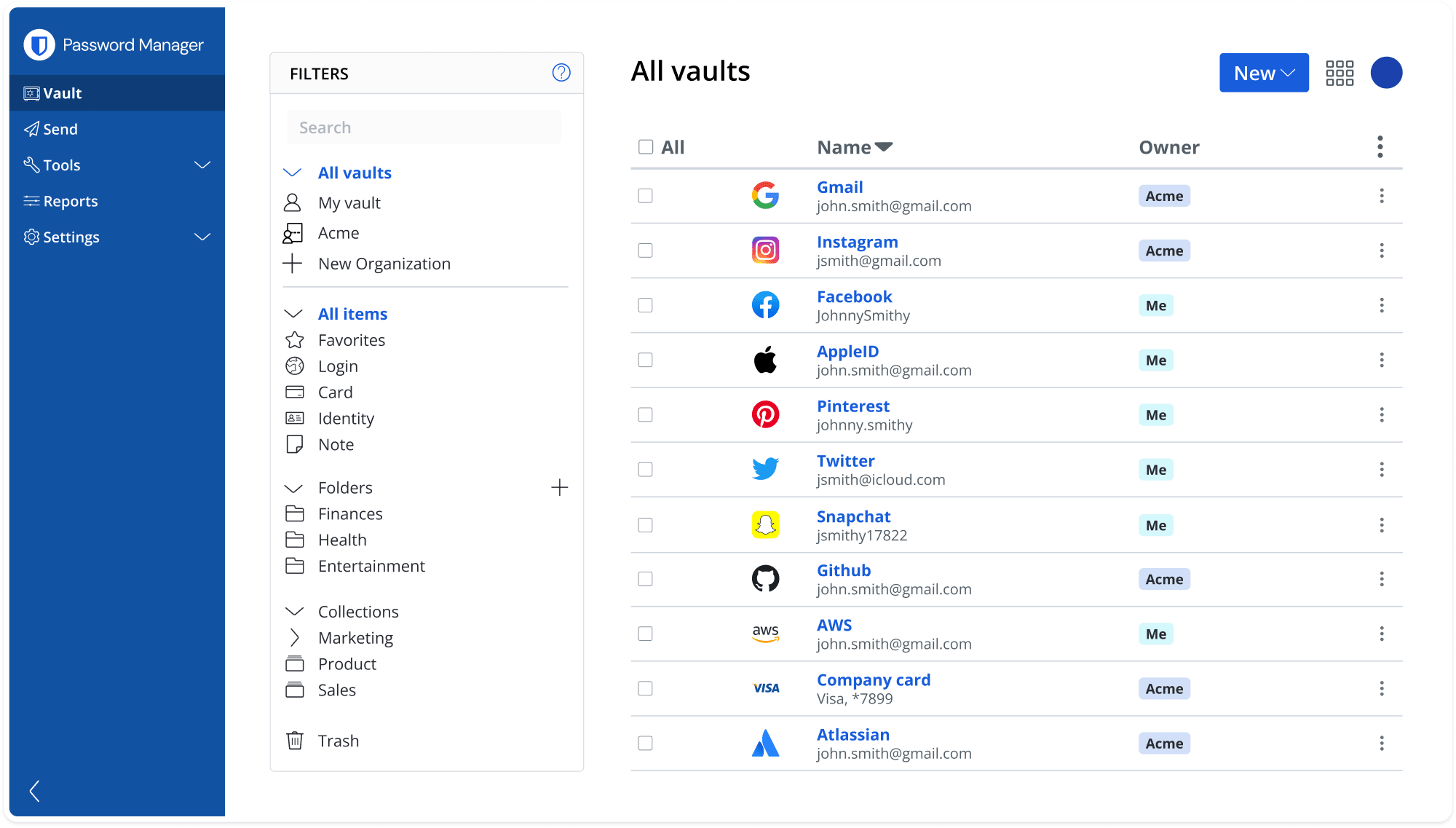
Bitwarden proves you don’t need to pay to get excellent password management. Its completely free plan offers unlimited passwords, unlimited devices, secure sharing (with one other person), and passkey support. The open-source code means anyone can audit it for vulnerabilities, and you can even self-host if you’re extra cautious.
Key features:
- Unlimited everything on the free tier
- Browser extensions and apps for every platform
- Vault Health Reports (premium) for breach monitoring
- Bitwarden Send for secure one-time links
Pricing: Free forever for core use. Premium is just $27/year (adds file attachments, TOTP authenticator, priority support). Family plans ~$66/year.
Pros: Truly unlimited free tier, transparent, affordable upgrades, self-hosting option.
Cons: Interface is functional rather than flashy; some advanced reports are premium-only.
Bitwarden is the people’s champion, powerful enough for heavy users but free enough for everyone.
3. NordPass – Best Value Premium Password Manager
Best for: Users who want modern features, strong security, and great affordability without complexity.
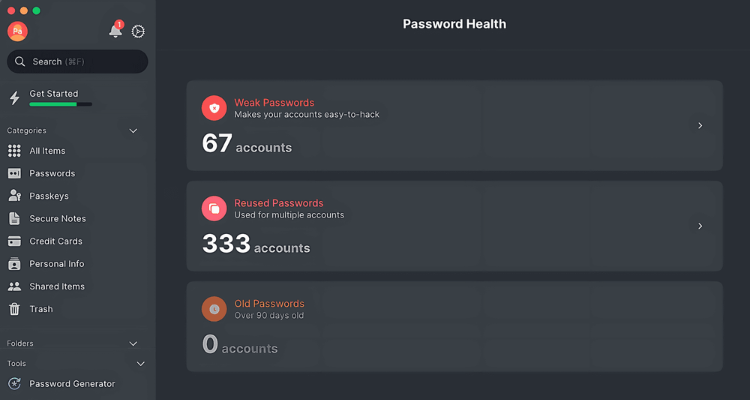
NordPass (from the makers of NordVPN) earns Editors’ Choice awards for its clean design, excellent autofill, and balanced feature set. It uses advanced XChaCha20 encryption, includes data breach scanning for emails and credit cards, email masking, and smooth password health tools.
Key features:
- Unlimited passwords on free tier (1 device)
- Credit card and email breach monitoring
- Secure sharing and emergency access
- Passwordless options with biometrics/passkeys
Pricing: Premium starts around $2.04-$4.11/month (often heavily discounted for 1–2 year plans). Family plans support up to 6 users.
Pros: Modern UI, strong free tier, great value, no major past breaches.
Cons: Some premium features (like unlimited devices) require a paid plan; free tier is device-limited.
NordPass strikes the perfect balance of security, ease, and price, ideal if you want premium protection without the premium price tag.
Which One Should You Choose?
Go with 1Password if you value the absolute best apps and family tools.
Choose Bitwarden if you want powerful free protection or open-source transparency.
Pick NordPass if you want modern features at a budget-friendly price.
All three offer free trials or generous free tiers, so test them out. Import your existing passwords (most have one-click tools), set a strong master password, and enable biometrics. You’ll be amazed how much safer and easier your online life becomes.
Ready to upgrade your security? Pick one today, enable two-factor authentication everywhere, and stop worrying about passwords. Your future self (and your bank account) will thank you.
Stay safe out there; strong passwords are your first line of defense in 2026 and beyond.